
Schedule a free walkthrough and let us show you around the app.
Aura Workflows
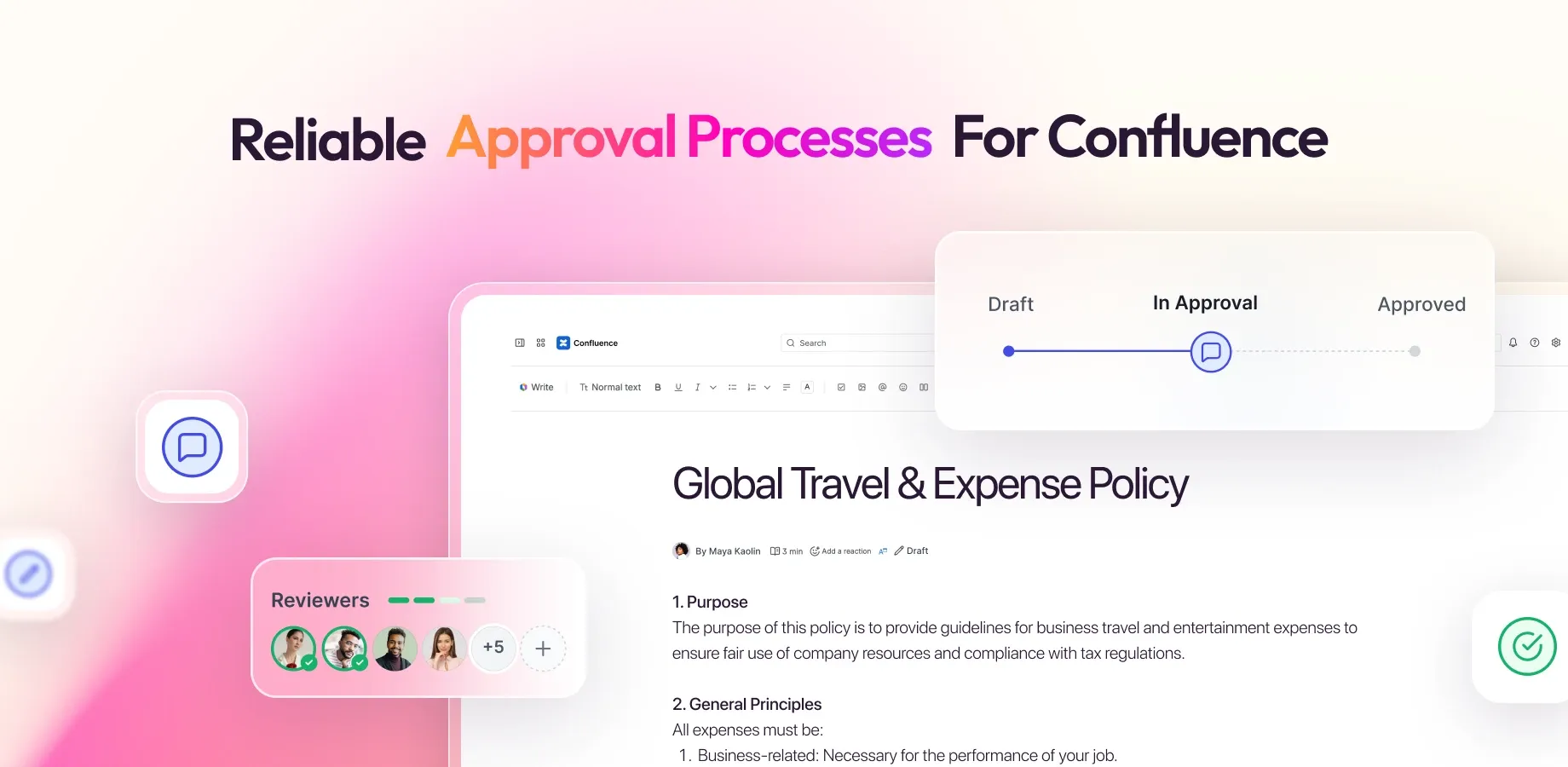
Aura Workflows adds workflow control to Confluence pages. A page moves through states you define (Draft, In Review, Published, or anything else that fits your team) connected by transitions that can require an approval, accept a manual choice, or fire automatically when the page is edited or after a deadline. Each state can run automated actions on entry: send an email, restrict access, publish to another space, bump the official version, or rewrite the title. The same workflow can govern a single page, every page in a space, or every page with a particular label.
Useful links
Section titled “Useful links”Open a support ticket for questions, bug reports, or feature requests.
View the Atlassian Marketplace listing for pricing, reviews, and installation.
Read the latest release notes for what's new in Aura Workflows.
Documentation
Section titled “Documentation” Overview The conceptual model: workflows, states, transitions, approvals, and actions.
Installation Install Aura Workflows from the Atlassian Marketplace and get to your first workflow.
Workflow Builder Design states, transitions, approvals, and actions on a visual canvas.
Applying workflows Put a workflow on a single page, a whole space, or every page with a label.
Approvals Reviewer configuration, thresholds, reminders, and what happens mid-flight.
Variables and metadata Parameterize a workflow once and capture structured data per page.
Expiration and freshness Automatic transitions on a schedule, plus signals for stale content.
Actions The automated steps a workflow runs when a page enters a state.